 PayRole
See a demo
No call, no form. Here is the whole thing.
Every screen below is a photograph of the running application, taken automatically by a script that signs up and sets a company up exactly as you would. None of it is a mockup.
No card. The first step takes 3 minutes.
One thing at a time, in the right order
Every step says how long it takes and why it is needed before you start it. Everything saves as you go, so you can stop whenever you like.
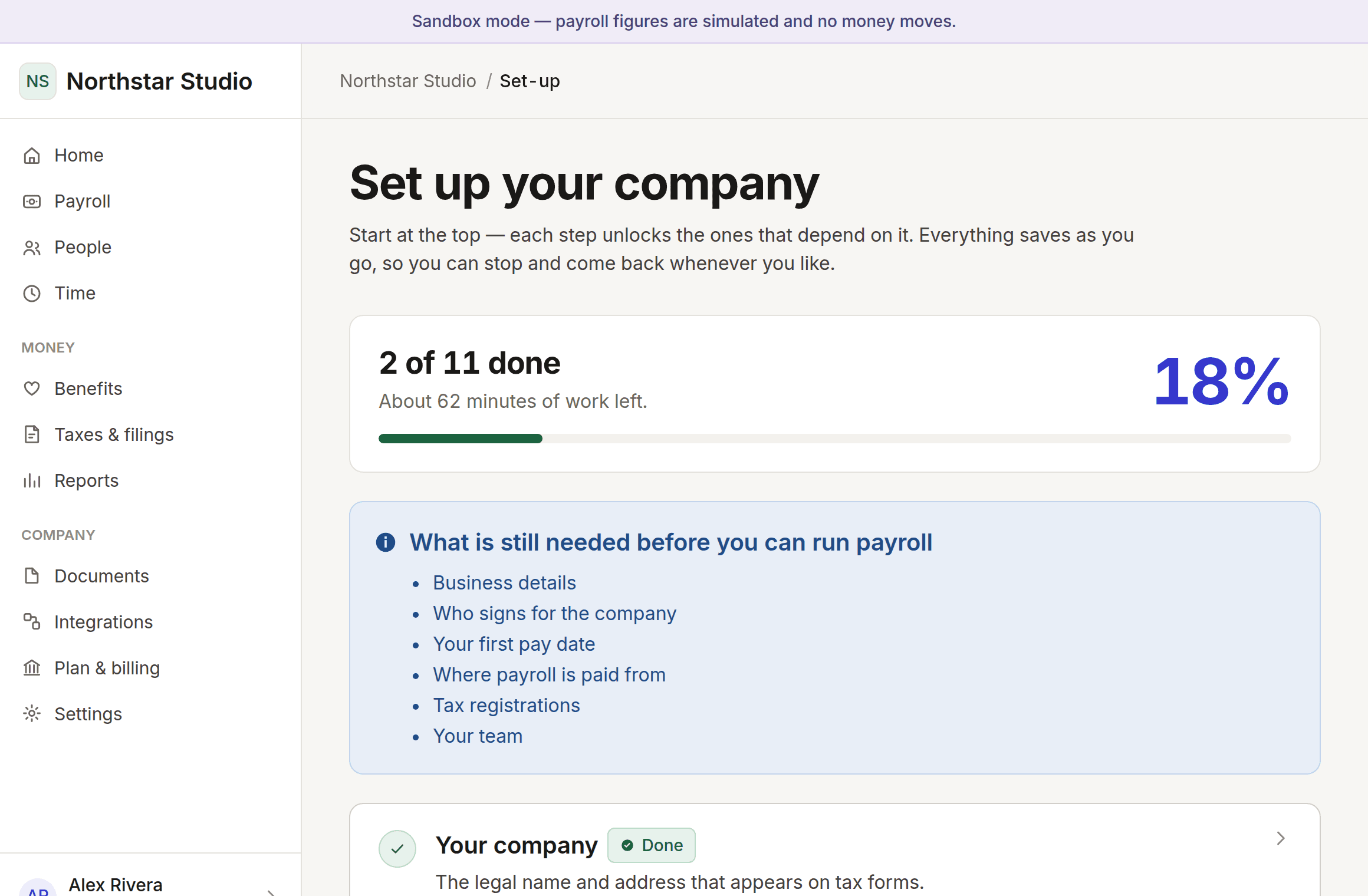
The deadline, not just the pay day
Money takes business days to move. Every pay date is offered with the date you have to approve by, worked backwards through weekends and non-banking days.
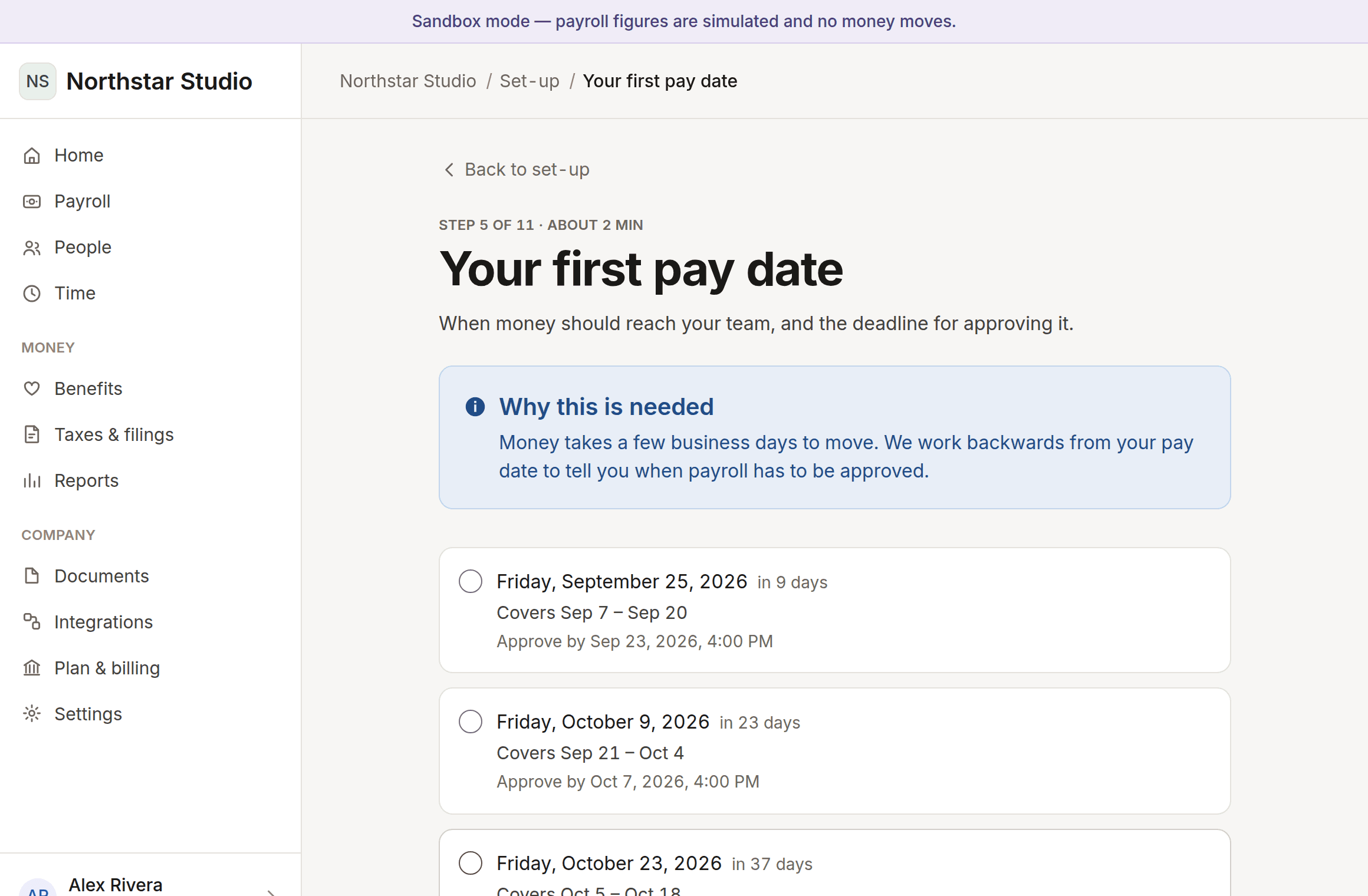
Employees and contractors, paid their way
Salaried or hourly, recorded to the cent and dated from their first day. Change someone’s pay later and it opens a new record, so last year still adds up the way it did last year.
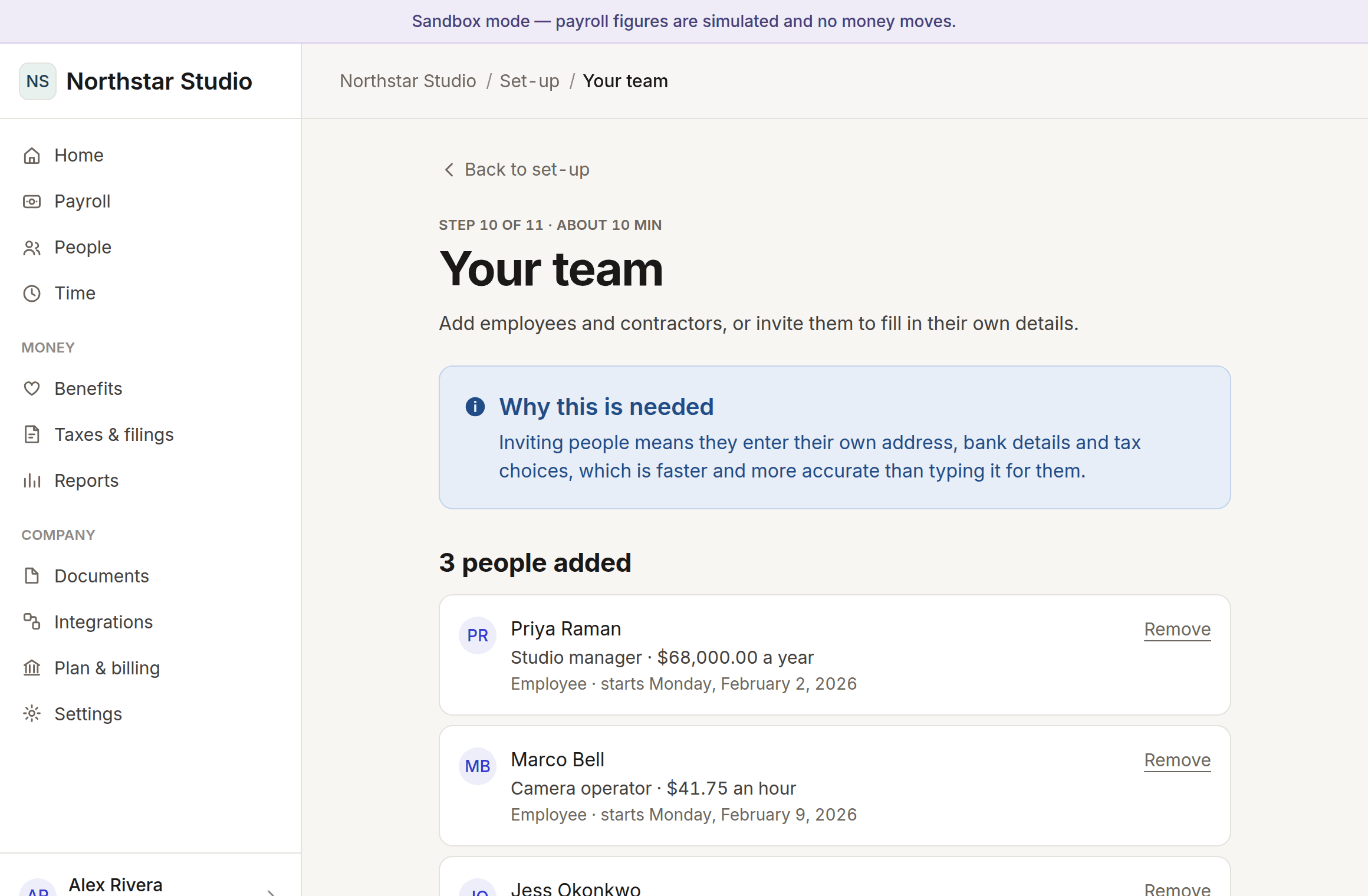
Answers that remove work
Four questions at the start change what you are asked for. Say this is your first payroll and a fifteen-minute step disappears entirely.
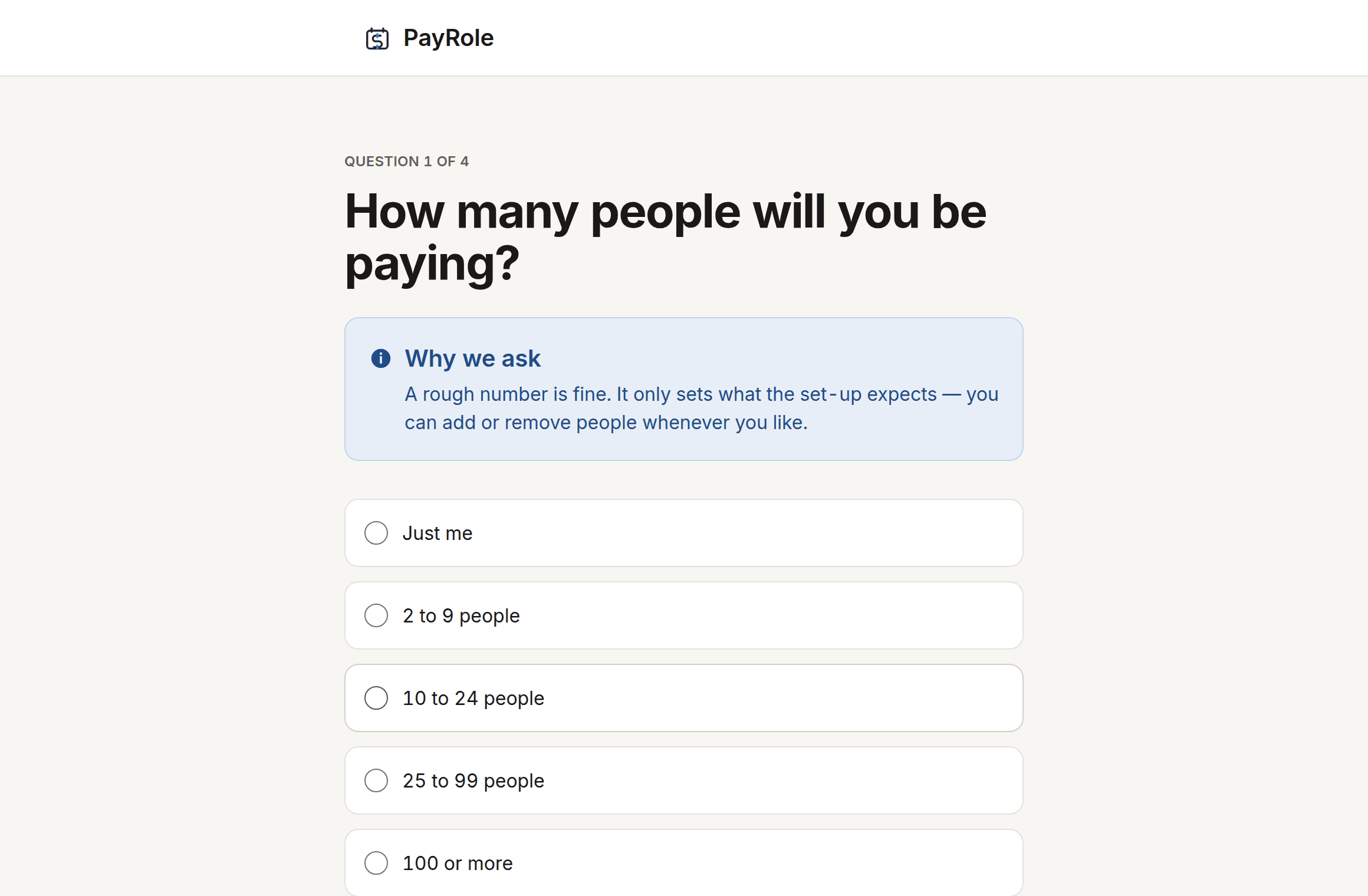
Set-up, screen by screen
11 steps in total, and you do not do them in one sitting. Everything saves as you go.
Make an account
Name, email, password. No card, no sales call, and nothing about your company yet.
About 1 minute
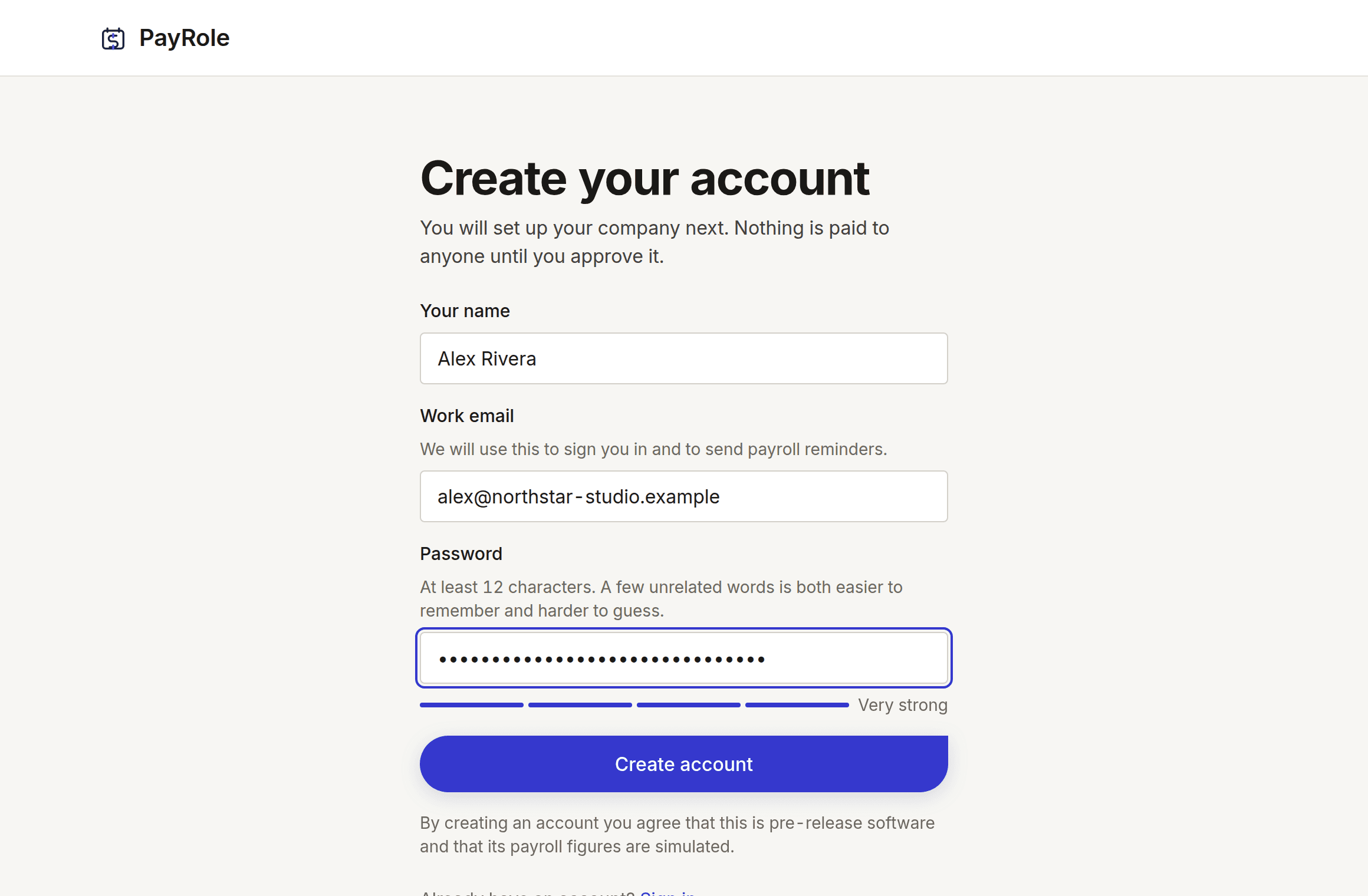
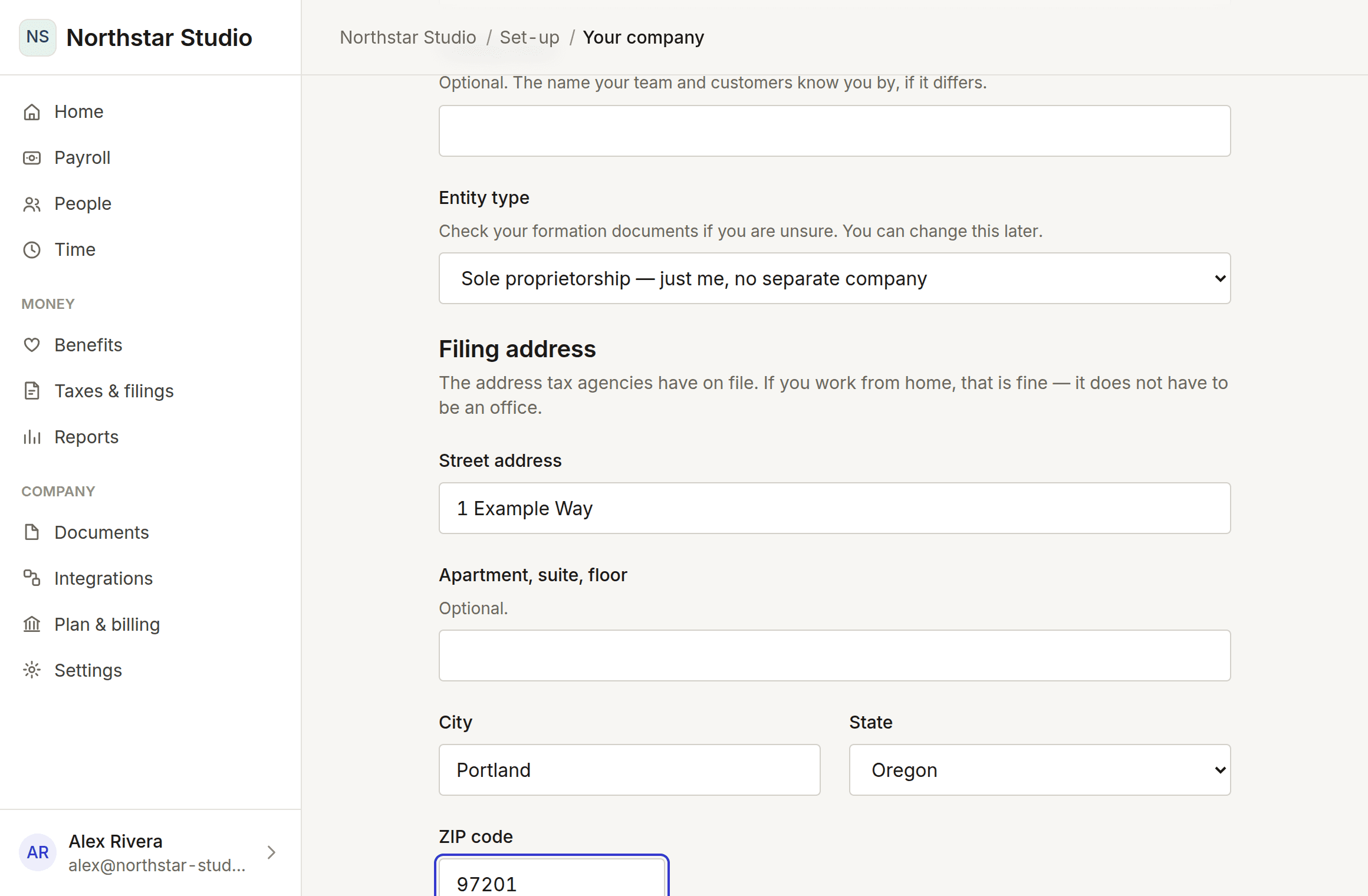
Tell us about the company
Its legal name, what kind of entity it is, and where it is registered. Addresses are checked against the postal service as you type.
About 3 minutes
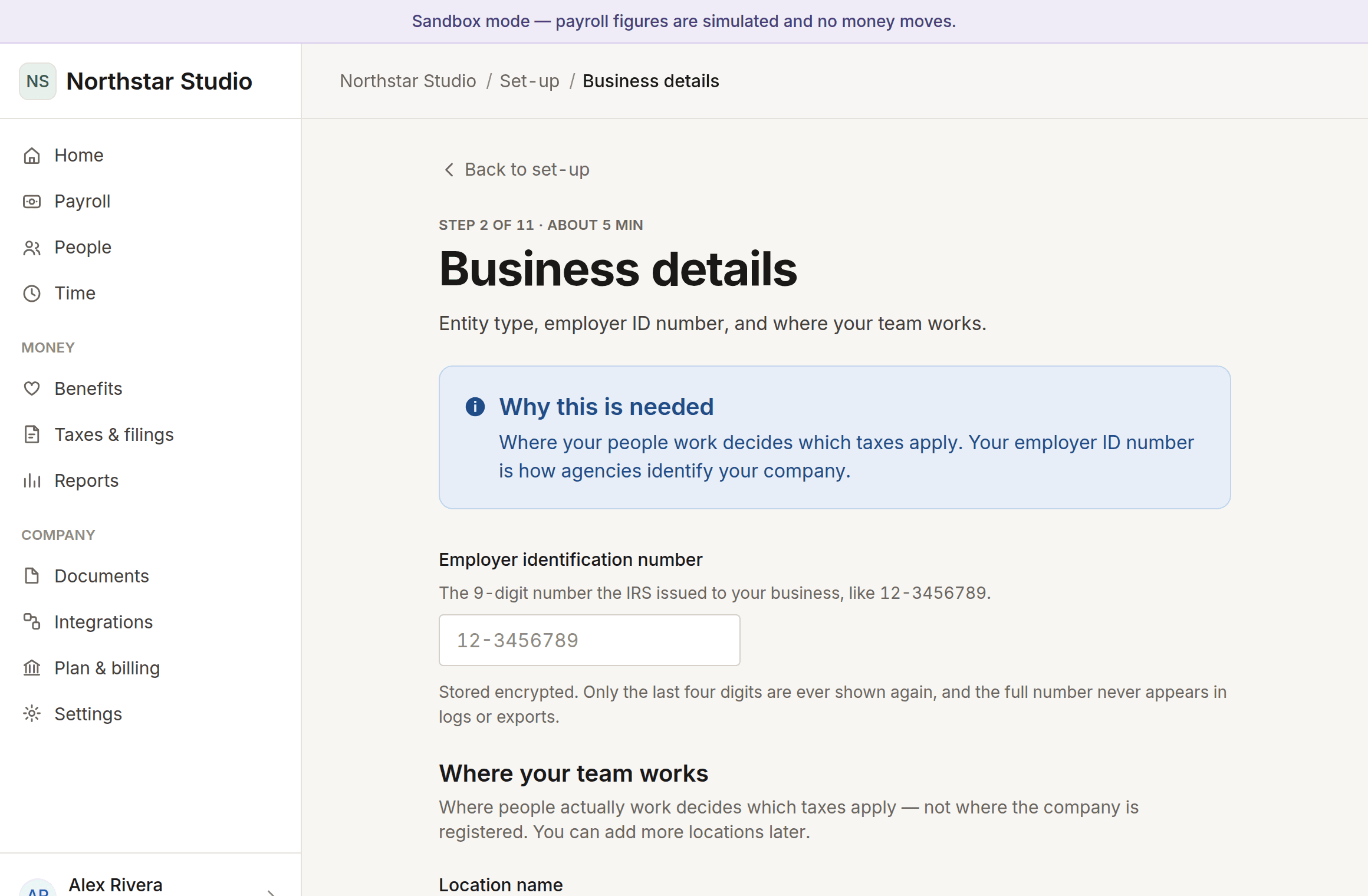
The details payroll needs
Tax registration numbers and where your people actually work. Every field says what it is and where to find it, because “EIN” means nothing on your first day as an employer.
About 5 minutes
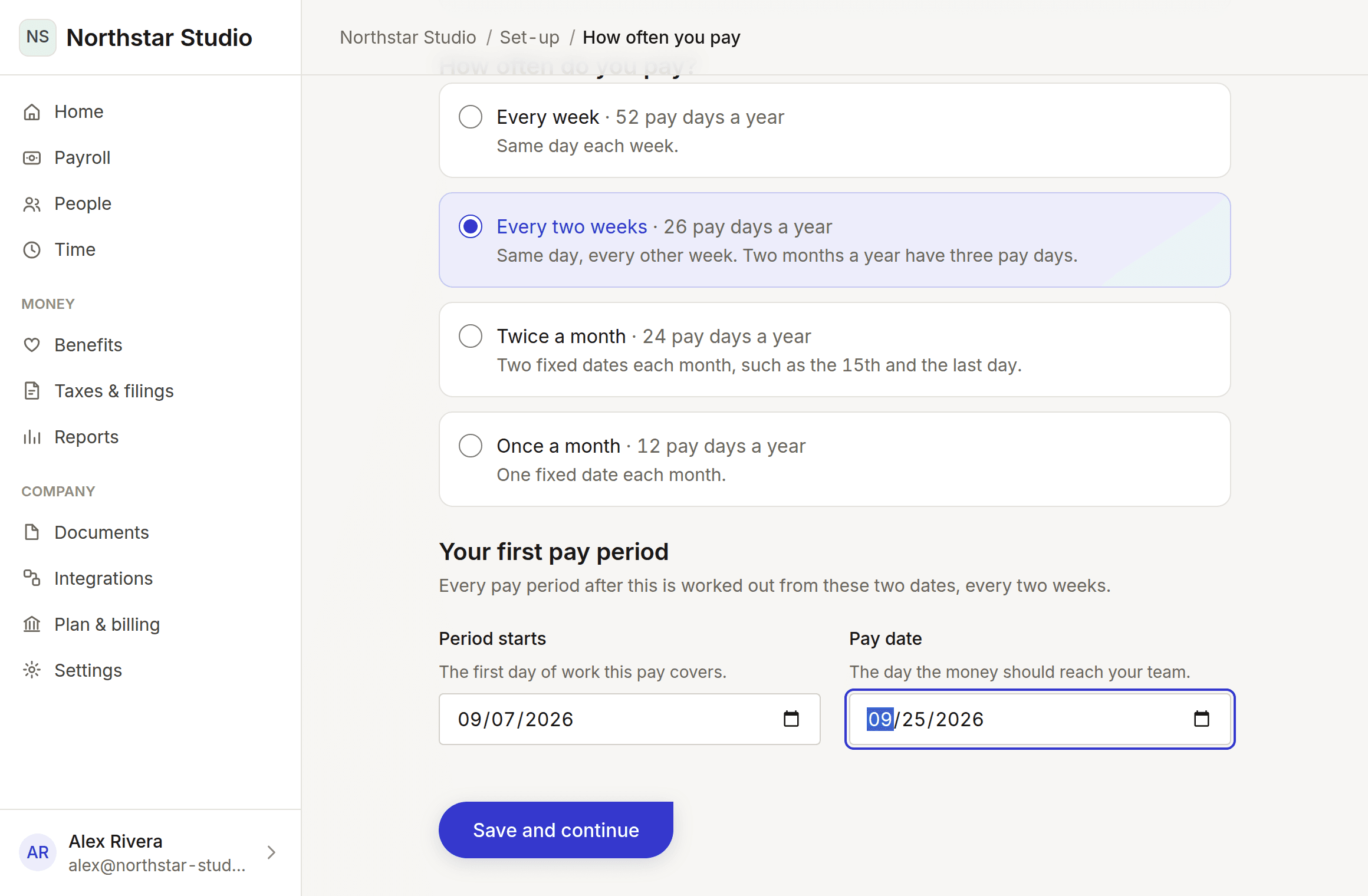
Decide how often you pay
Weekly, fortnightly, twice a month or monthly. Pick the first period and the first pay day, and every date after it is worked out for you.
About 3 minutes
Add the people you pay
Employees and contractors, salaried or hourly. We never ask you to type someone else’s Social Security number or bank details — they enter their own.
About 10 minutes
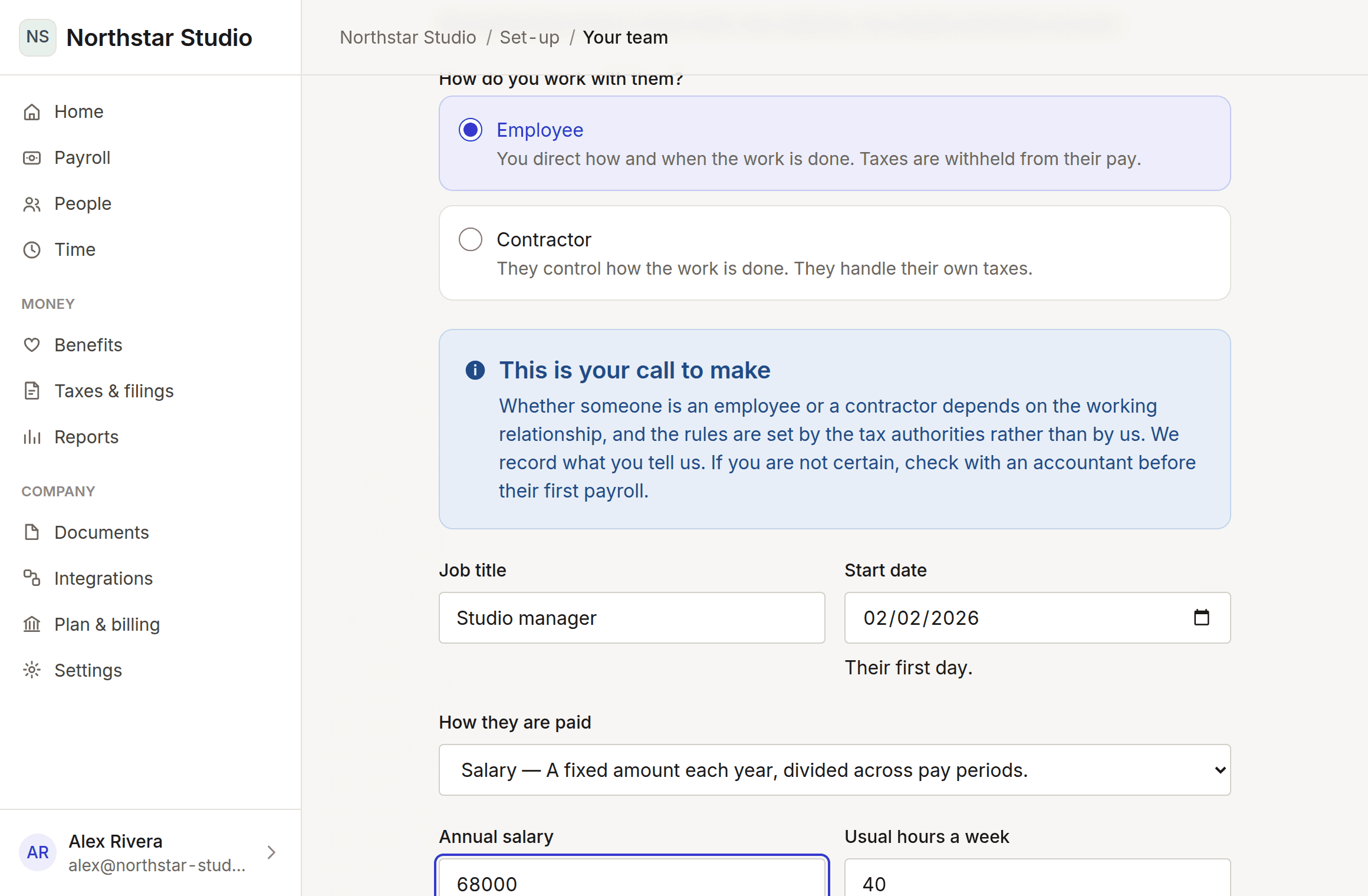
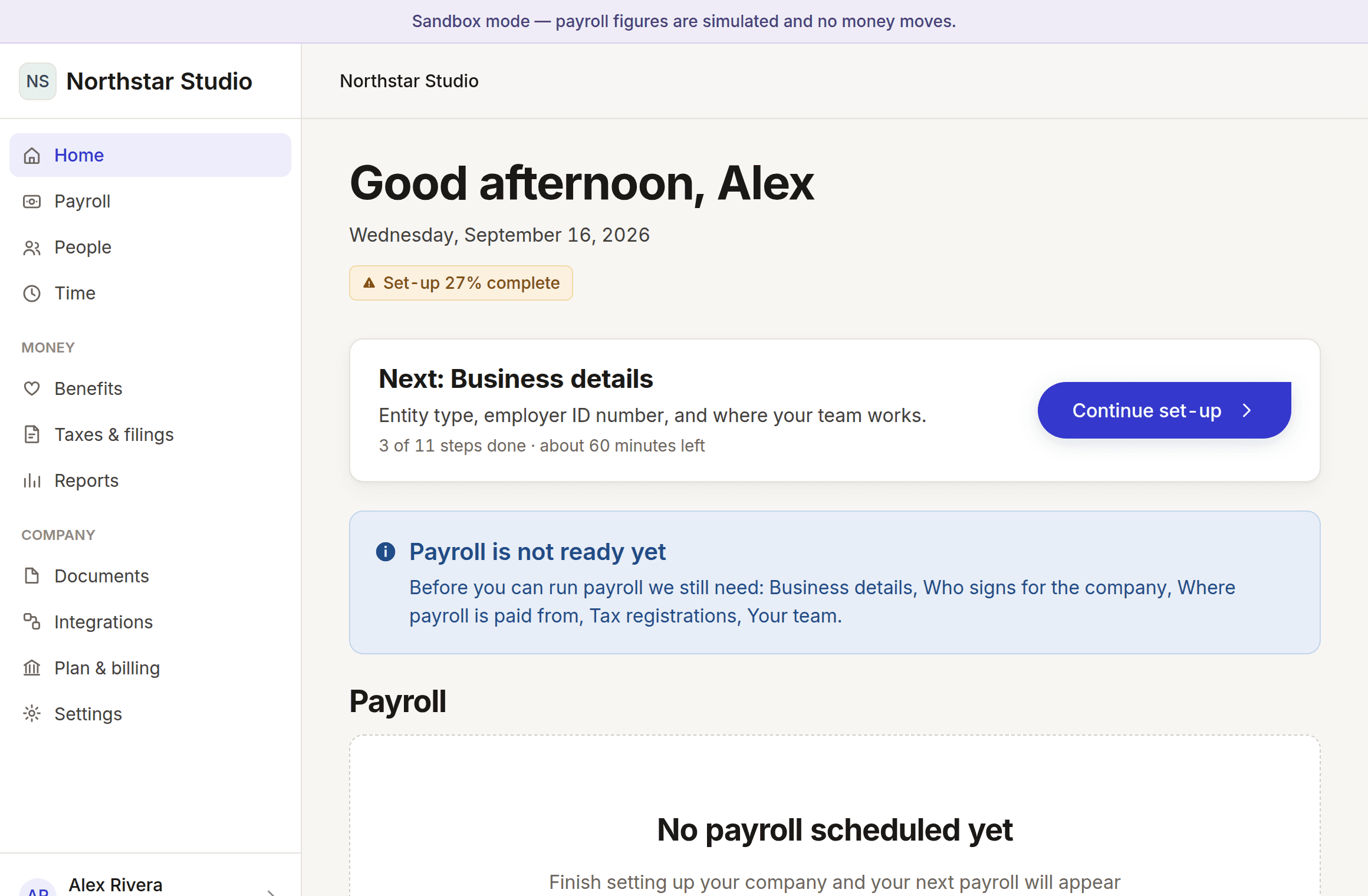
See where you stand
What is done, what is next, and how long is left. Come back whenever you like — it remembers.
What you will and will not be able to do
Because the point of a demo is to find that out before you commit, not after.
Pre-release, and specific about it
24 of 58 capabilities work today: accounts, company set-up, your team, pay schedules and deadlines, roles, permissions, the audit trail and the ledger. Running payroll is being written. Paying anyone, filing taxes and authoritative tax figures are not built, because each needs a licensed partner rather than more code.